Built for cabinet shops

Your designers go back and forth for days.
This takes 30 minutes.

CaseWorks is a web-based cabinet design platform that lets your field team design on-site, show clients an AI rendering of their new kitchen, and send cut-ready data to the shop floor — from a browser.

Book a demo →
You already know the problem.

🔄
Design revisions take days, not minutes Client wants to see shaker instead of raised panel. Your designer has to rebuild the project, re-render, re-export. Meanwhile the client's shopping your competitor.
💸
Your software costs more than your CNC $15K upfront, $1,500/year maintenance, plus training costs. And the UI hasn't changed since 2005.
🖥️
Chained to the office desktop Your sales reps take measurements in the field, drive back, wait for the designer, then drive back to the client. Every handoff is a delay. Every delay loses deals.
📋
Cut list errors cost real money Manual data re-entry between design software and the shop floor means mistakes. Remakes. Wasted material. Angry clients.
AI Visualization

Show clients their new kitchen before you cut a single panel.

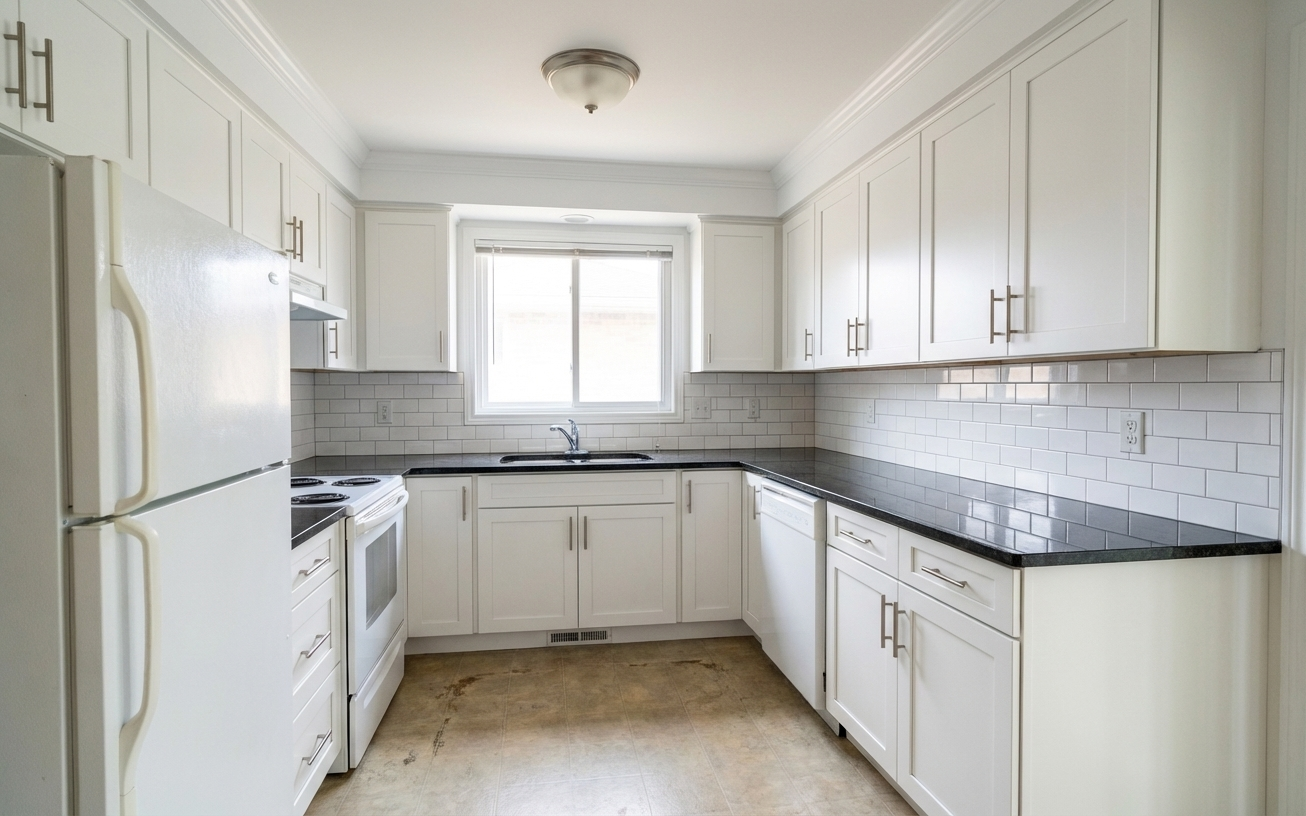
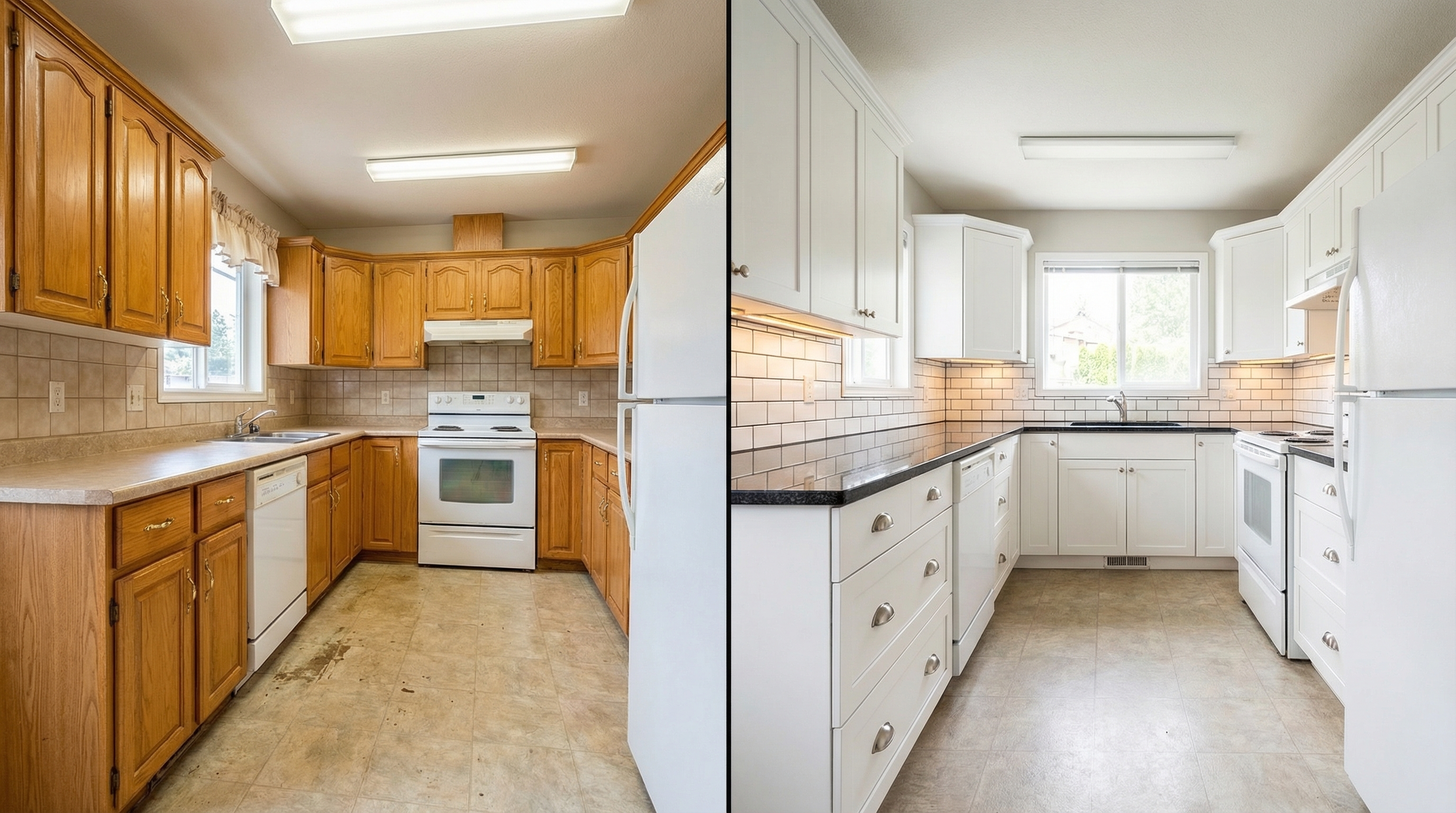
Upload a photo of the existing kitchen. CaseWorks uses your cabinet design as a reference and generates a photorealistic rendering of the finished project — in their actual room.

Before and after kitchen transformation
← Original kitchen  |  Designed with CaseWorks →
The workflow

From the client's kitchen to your CNC in 4 steps.

01 — MEASURE

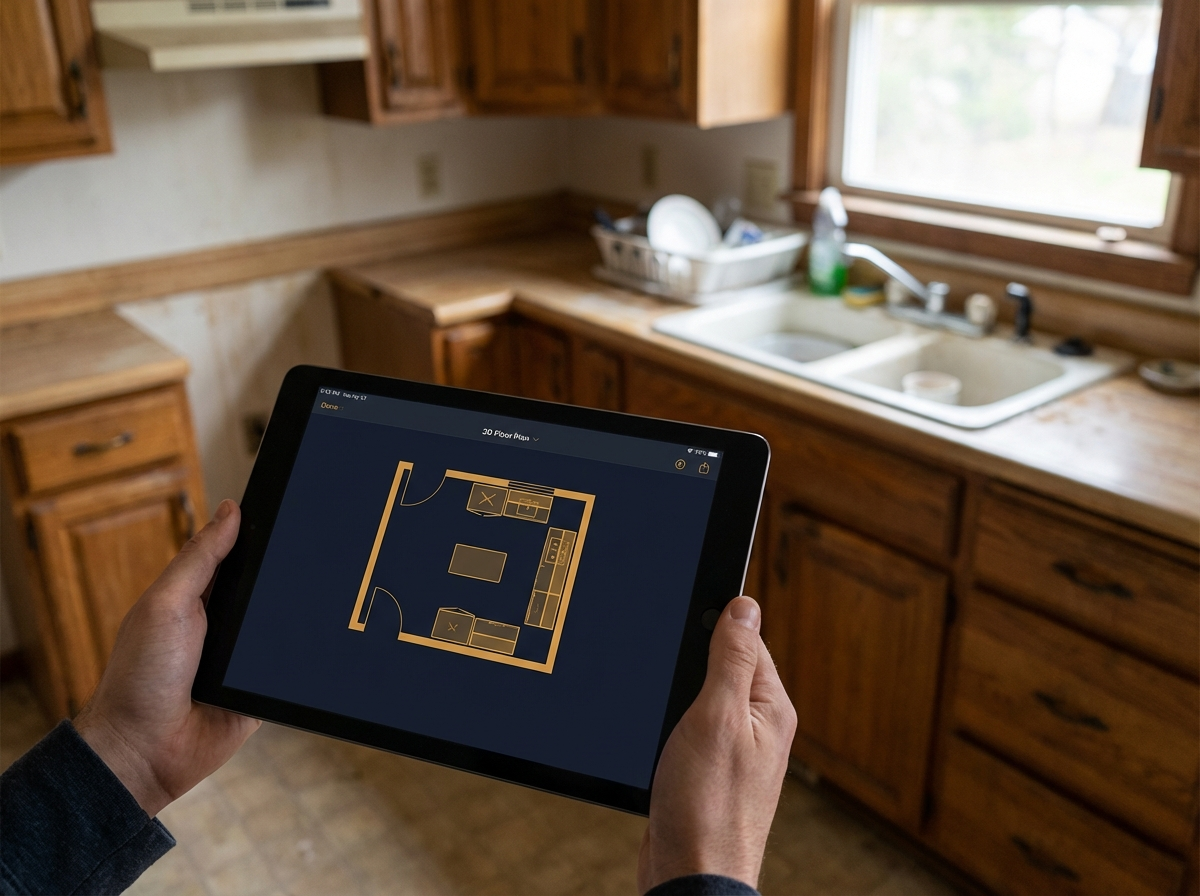
Walk in with a tablet.

Your field rep enters room dimensions, snaps photos of the existing kitchen, and marks appliance locations. No laptop. No special training. Just a browser.

Tablet in the field
02 — DESIGN

Drag. Drop. Configure.

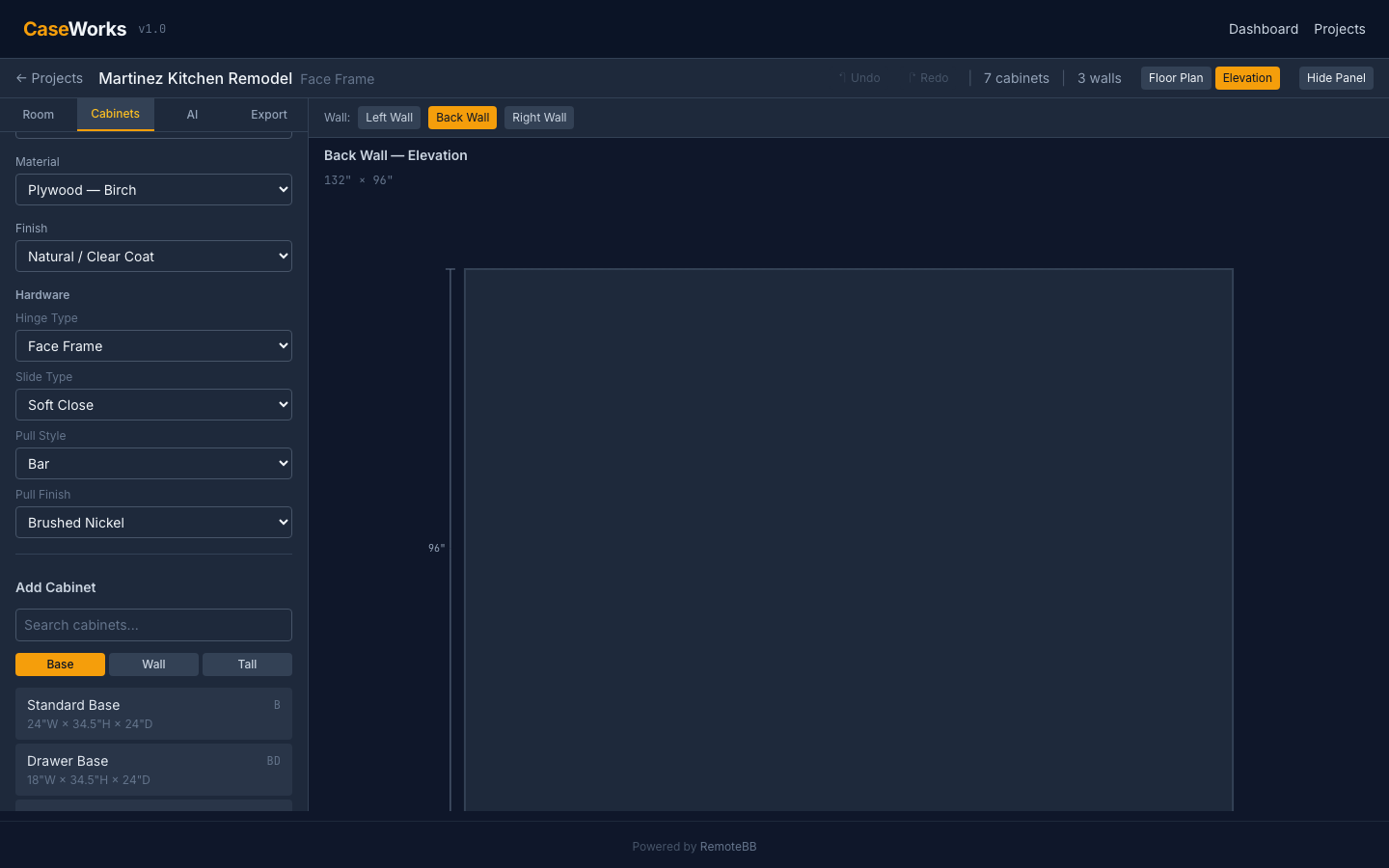
Place cabinets from the catalog onto the floor plan. Configure door styles, materials, finishes, and hardware. Face frame or frameless. 13 cabinet types. 8 door styles. See it in 2D floor plan and per-wall elevation views.

CaseWorks elevation view
03 — CLOSE

Show them their kitchen.

One tap generates a photorealistic AI rendering — your exact cabinet design composited into their actual room photo. Before/after. On the spot. The client signs before you leave the house.

AI-generated kitchen mockup
04 — MANUFACTURE

Cut list hits the shop floor.

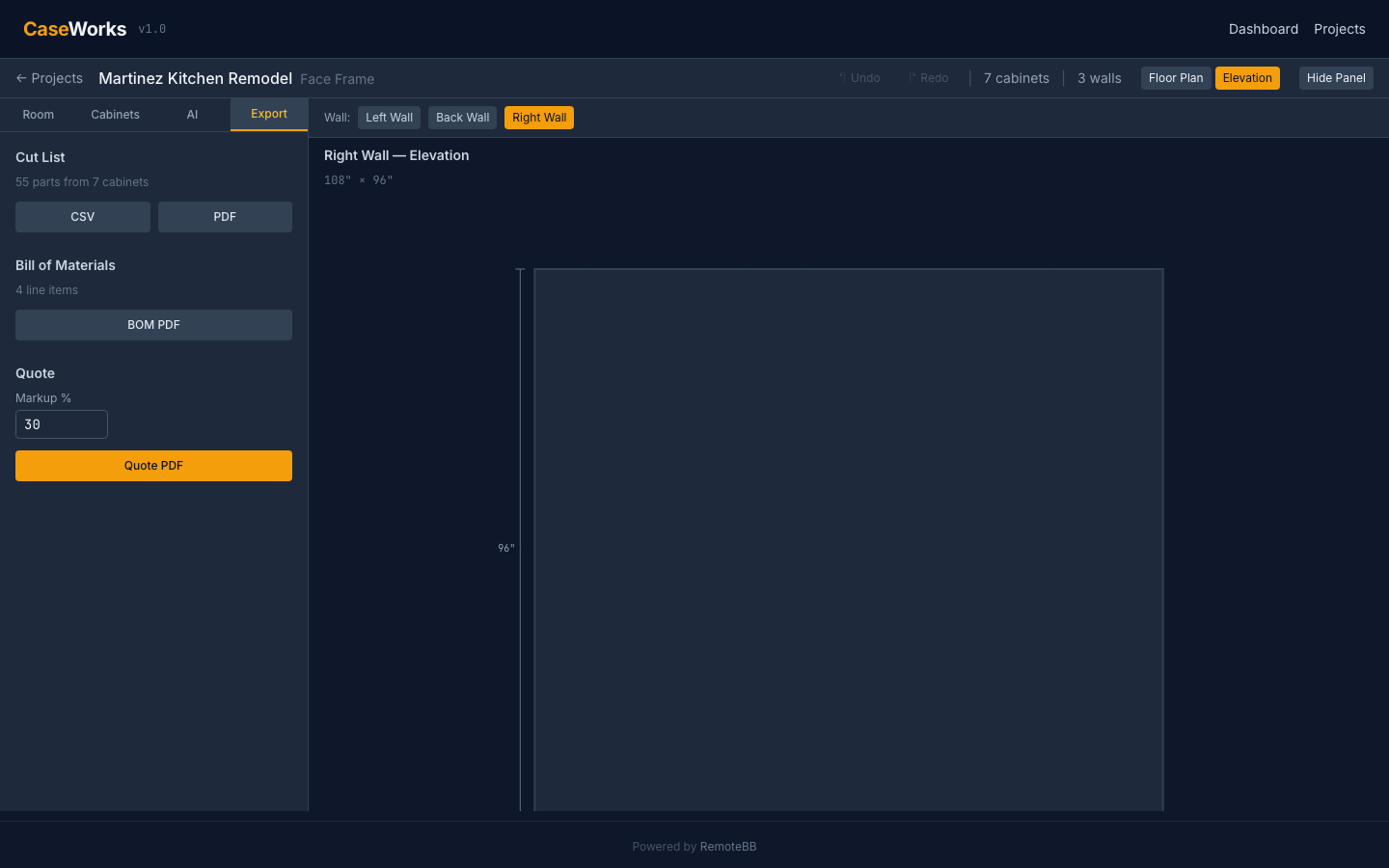
Every panel dimensioned. Every edge banded. Every hinge counted. Cut lists, BOMs, and G-code generated directly from the design. No re-entry. No interpretation. No mistakes.

Cut list export
30
minutes from photo
to signed proposal
0
installs required.
runs in any browser
199
automated tests.
the math is right
design revisions.
instant, no cost
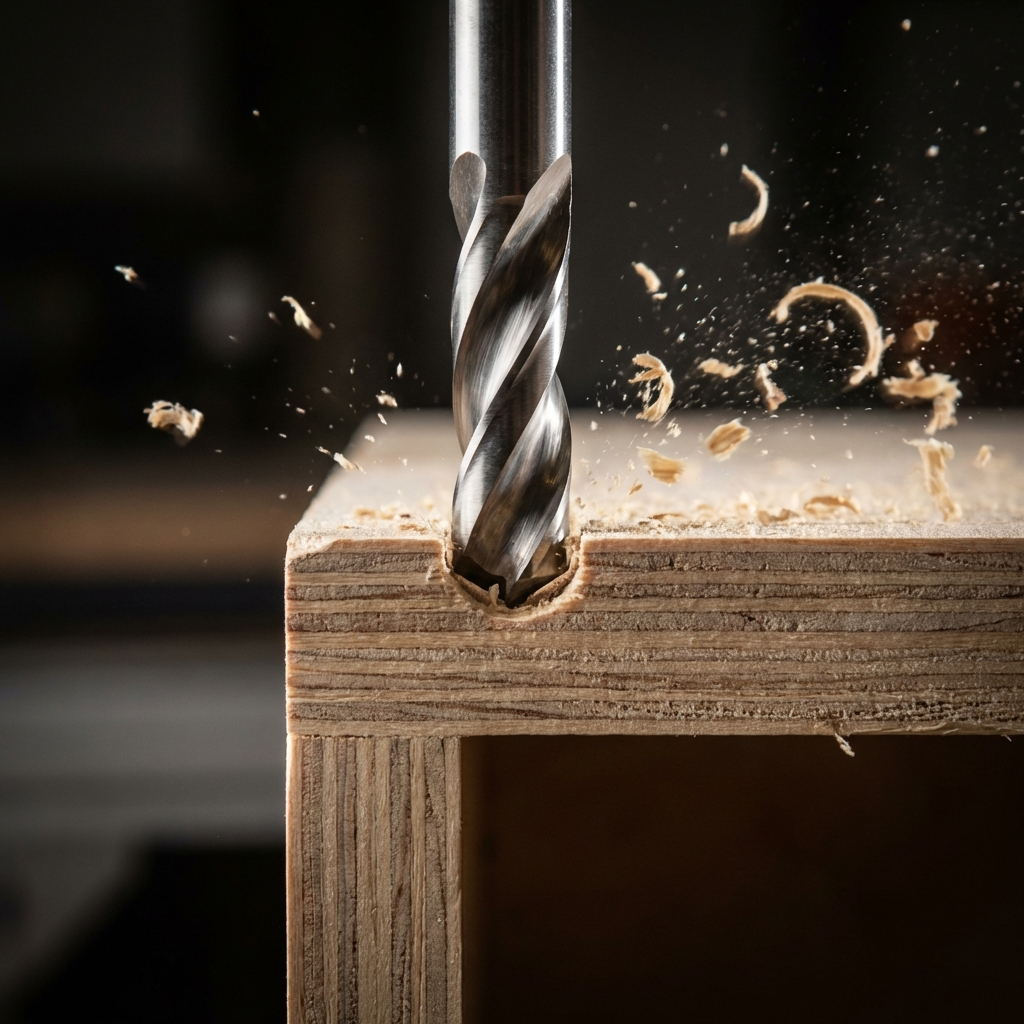
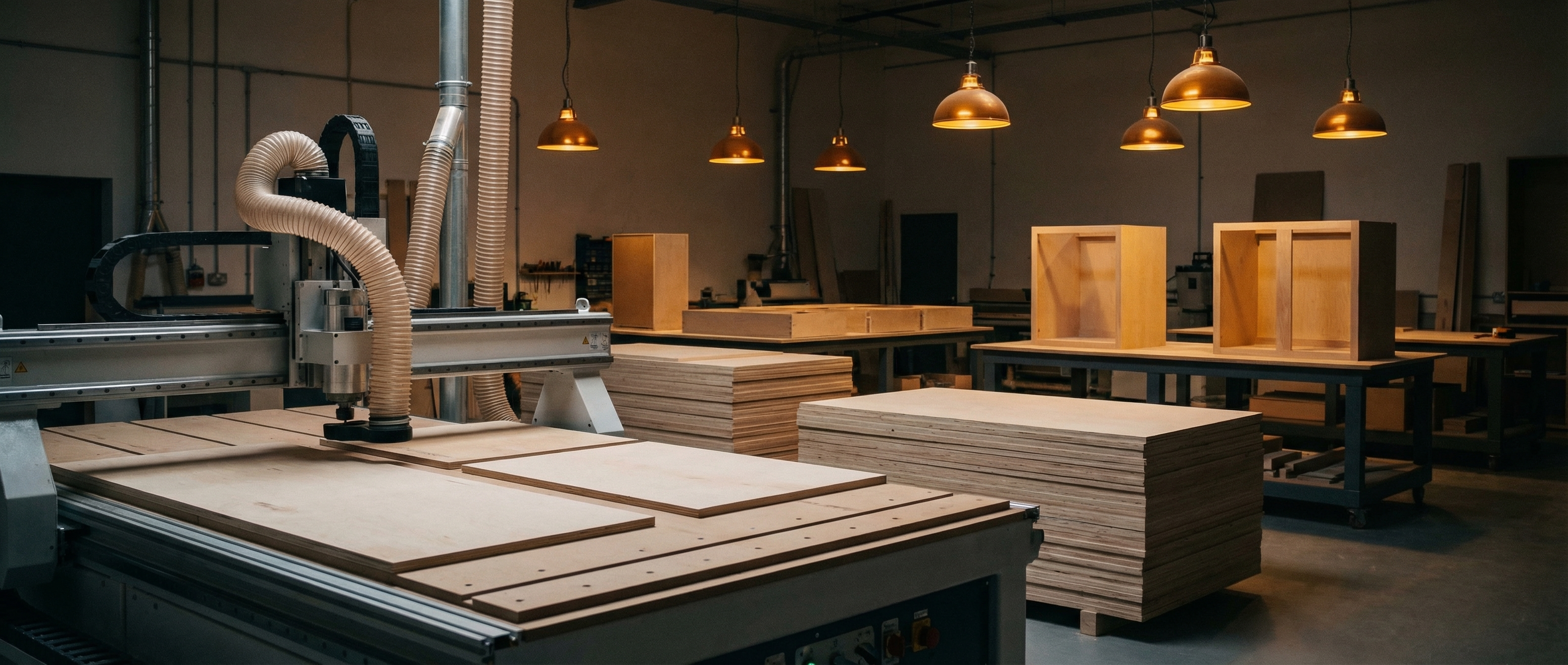
CNC cutting cabinet panel
Production Ready

Built for the shop floor, not the showroom.

CaseWorks isn't a visualization toy. It's an engineering tool. The cabinet construction logic understands material thickness, dado joints, edge banding, and the 32mm system. Your cut lists are accurate because the math is tested, not estimated.

Pricing

Pay less than your annual maintenance renewal.

No contracts. No upfront costs. Cancel anytime. Every plan includes a 14-day trial.

$99/mo

Starter

2 users, 15 projects/month, 25 AI renderings. Cut lists, BOMs, quotes. Everything a small shop needs to get off legacy software.

$249/moPOPULAR

Professional

10 users, unlimited projects, 100 AI renderings, G-code export, sheet nesting, client portal. For shops doing 10+ kitchens a month.

$599/mo

Enterprise

Unlimited everything. Self-hosted deployment on your infrastructure. API access. SSO. Priority support. For operations that need full control.

Ready to see it work?

30-minute demo. We'll design a kitchen from your shop's catalog and generate a cut list. No slides. Just the software.

Book a demo →